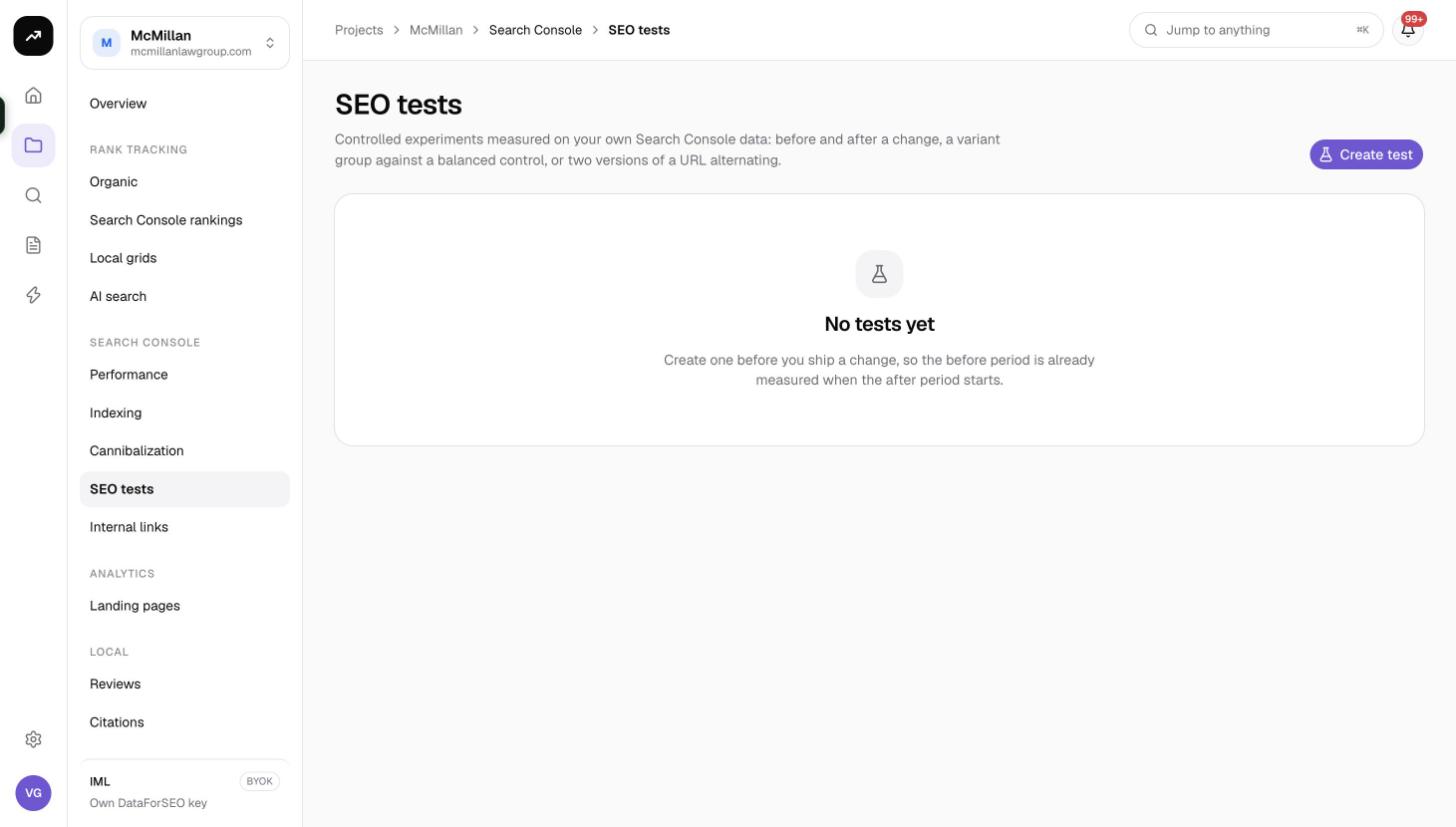
SEO tests
Run time-based, split and URL switch experiments measured on your own Search Console clicks and impressions, with confidence levels and sample reliability.
SEO tests let you measure whether a change actually helped, using "controlled experiments measured on your own Search Console data". You define what changed, which pages are involved and when, and SmarterSEO compares clicks, impressions, CTR and position before and after, or between a variant group and a control group, and tells you how confident you can be in the result.
Test types
| Type | What it compares | Use it for |
|---|---|---|
| Time-based | The same pages before and after a change date | A title rewrite, a new template, a schema rollout on a set of pages |
| Split test | A variant group against a balanced control group of similar pages over the same dates | Changes you can apply to half of a page type, such as a new intro block on half of your product pages |
| URL switch | Two URLs alternating on a fixed interval | Comparing two URL structures or two page versions on the same search demand |
Split tests are usually the most trustworthy because seasonality and algorithm updates hit both groups at the same time. Time-based tests are the easiest to set up. URL switch tests exist for cases where you cannot split pages but can swap which URL serves the content.
Cost: Free. Tests read the synced Search Console data; no credits are used.
Before you start
- Link a Search Console property and let the backfill finish. See Connect Google Search Console and GA4.
- Have at least 30 days of data before the change. The wizard recommends it: "At least 30 days of baseline is recommended."
- Pick pages with enough traffic. Below about 100 clicks the result is marked as too small to trust.
Creating a test
Click Create test. The wizard has three steps: Configure, Select pages and Schedule.
1. Configure
| Field | What to enter |
|---|---|
| Property | The linked Search Console property to measure on. |
| Test name | A short label shown in the list. |
| Test type | Time-based, Split test or URL switch. |
| Description | What you changed, in your own words. |
| Hypothesis | What you expect to happen and why, for example "Shorter titles raise CTR on category pages". |
2. Select pages
| Field | What it does |
|---|---|
| Baseline from/to | The period that defines "before". Defaults to the last 28 synced days; extend it to 30 days or more. |
| URL contains | Narrow the candidate pages to a path fragment such as /products/. |
| Min impressions | Only pages with at least this many impressions in the baseline qualify. Default 100. |
For a Split test, SmarterSEO automatically balances the two groups by baseline clicks so variant and control start from the same footing. For a URL switch, you enter URL pairs (original and alternate) instead of a page filter.
3. Schedule
| Field | Applies to | What it does |
|---|---|---|
| Start date | All | When measurement begins. |
| End date (optional) | All | Leave empty for an ongoing test and finish it by hand later. |
| Change implemented date | Time-based | The day the change went live. Before this date is "before", after it is "after". |
| Switch interval (days) | URL switch | How often the two URLs swap. Default 7, range 1 to 30. |
| Starting version | URL switch | Which URL serves first. |
Review the summary and click Create test. The list shows Test, Type, Status, Pages, Start, End (or Ongoing) and Created.
Reading the results
Open a test from the list. The Performance overview card gives the headline:
- The winner: Variant wins, Better after the change, Version B leads or No clear winner yet, depending on type.
- The confidence: 90%, 95%, 99% or Not significant yet. CTR is compared with a two-proportion z-test; the p-value is shown alongside.
- The sample reliability: Reliable sample at 1,000 clicks or more, Small sample at 100 or more, otherwise Too few clicks to trust.
Below that:
- Stats: Clicks / day, Impressions / day, CTR and p-value for each side.
- Group cards: Clicks, Impressions, CTR and Avg position for each group (before/after, variant/control, or version A/B) compared against the baseline.
- A timeline chart with a metric selector and Start, Change and Today markers. URL switch tests add a cycle bar chart showing each interval's result.
- The page list of every URL in the test.
Controls while a test runs
- Pause / Resume: paused days are excluded from the analysis, useful during a site outage or an unrelated migration.
- Finish: sets the end date to today and freezes the result.
- Delete: removes the test. Your Search Console data is unaffected.
Tips and gotchas
Tip: Write the Hypothesis before you look at any data, and judge the test against it. A test that "wins" on impressions but was meant to raise CTR has not confirmed your hypothesis.
Warning: Search Console data is final about two days after the fact, so the most recent two days of any test are provisional and will be re-pulled by the nightly sync.
- Time-based tests cannot separate your change from a Google update on the same week. If the result matters, rerun the idea as a split test.
- Keep the two groups of a split test on the same template type. The automatic balancing matches clicks, not page intent.
- Tests cannot be shared through client links; export the page list and screenshots if you need to report on them.